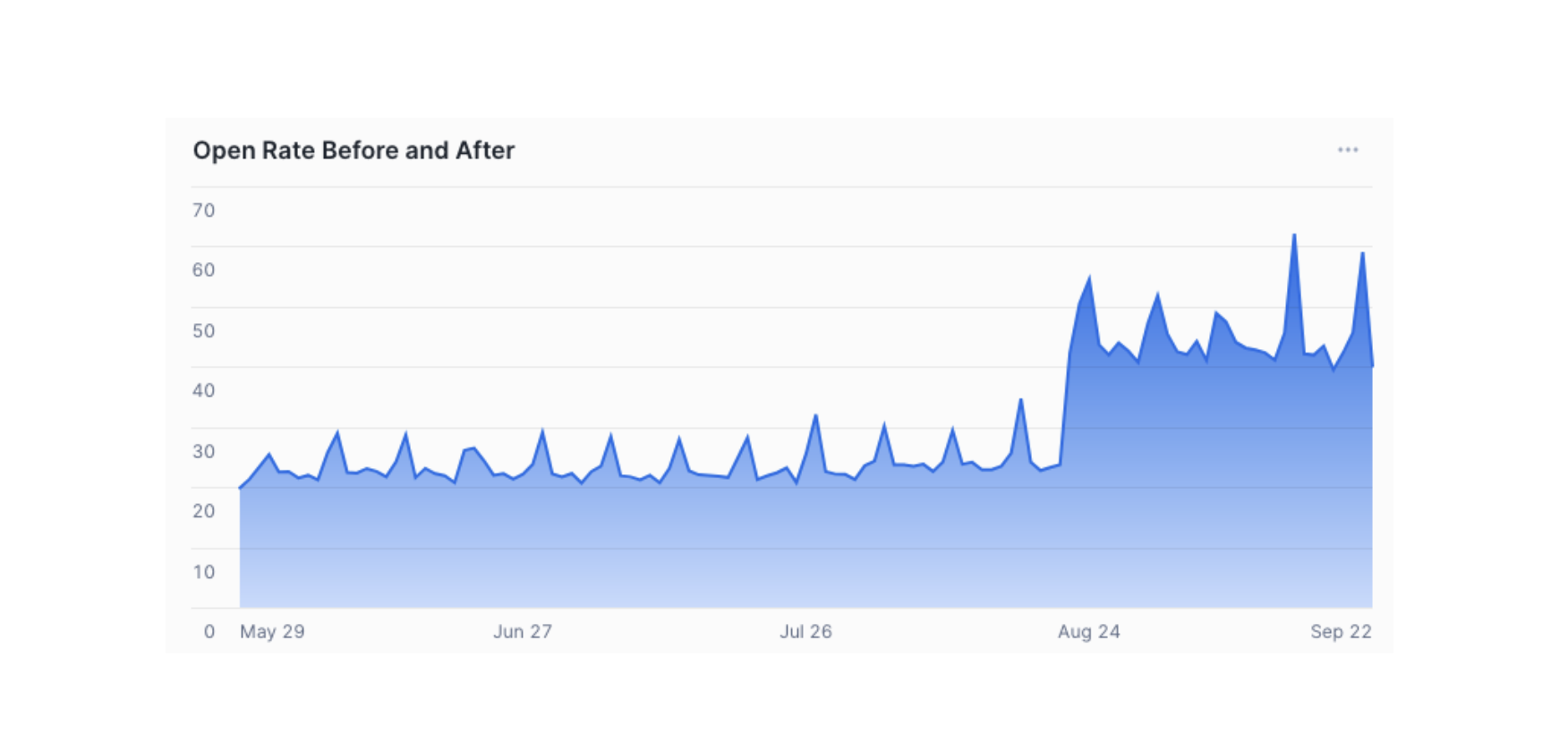
How to Properly Add New Domains in Google Workspace
September 26, 2025
Adding new domains as aliases in Google Workspace keeps emails organized, prevents operational issues, and simplifies inbox management.

Adding new domains as aliases in Google Workspace keeps emails organized, prevents operational issues, and simplifies inbox management.
For those using professional emails w/ Google Workspace.
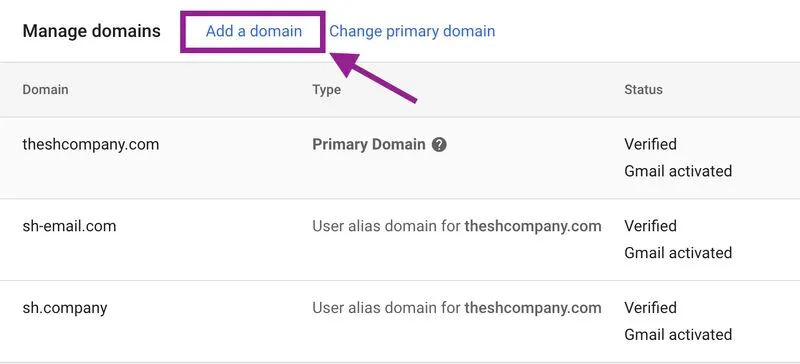
Every time you want a new domain for email, don't register it as a new GW organization - it will make a mess in your operations. If it's not going to be another company with its own employees, but rather a new dedicated email domain for something, just go to:
Admin Panel > Accounts > Domains > Manage Domains > Add Domain > Use a Domain Alias > Add Domain
And connect your domain as an alias and then set up Gmail filters to keep them separated and organized in your inbox.
It's not even a matter of $$$, because it's only $72/annum paid to Google, but about user experience, as everything is easier to manage in one place without the need to manage two GW organization separately.