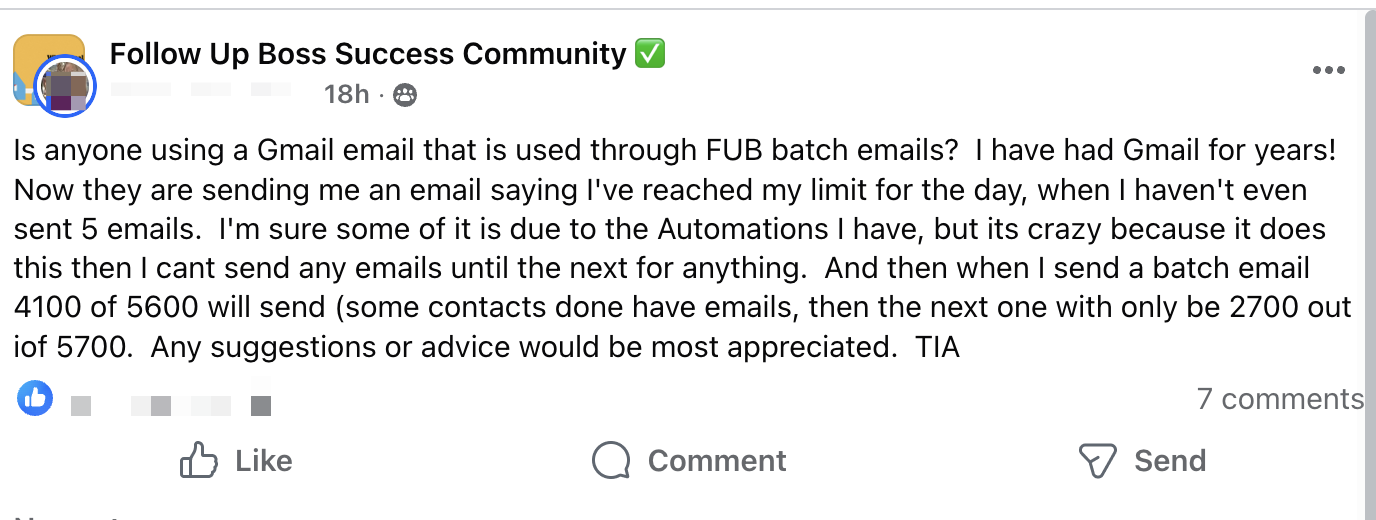
A real estate agent recently asked why their Gmail account suddenly stopped sending emails while using Follow Up Boss batch emails. They had sent fewer than five emails manually, yet Gmail reported they had reached their daily sending limit. On top of that, batch emails were only partially sending - one batch would send thousands, the next would send far fewer, with no clear explanation.
This is frustrating, but it’s actually expected behavior when Gmail is used this way.
Gmail has strict daily sending limits. For Google Workspace (business) accounts, the limit is 2,000 emails per 24-hour period. For free Gmail accounts, it’s 500 emails per day. Once that limit is reached, Gmail simply stops sending anything until the next 24-hour window resets.
While this feels like a problem, it’s actually a security feature. If a Gmail account is compromised, the attacker can only send a limited number of emails in a single day. That significantly reduces the number of potential victims and limits damage.
The bigger issue is how the emails are being sent.
Routing batch or automation emails through Gmail’s SMTP is not a reliable or safe approach for email delivery. It offers no real visibility into deliverability, no meaningful control, and it violates Google’s acceptable use policies. This is why accounts that rely on SMTP routing for bulk or automated sending are much more likely to be rate-limited or even suspended.
If you want reliable email delivery, the correct approach is to:
- Use Gmail strictly for business correspondence
- Send bulk or automated emails through a properly configured email-sending infrastructure
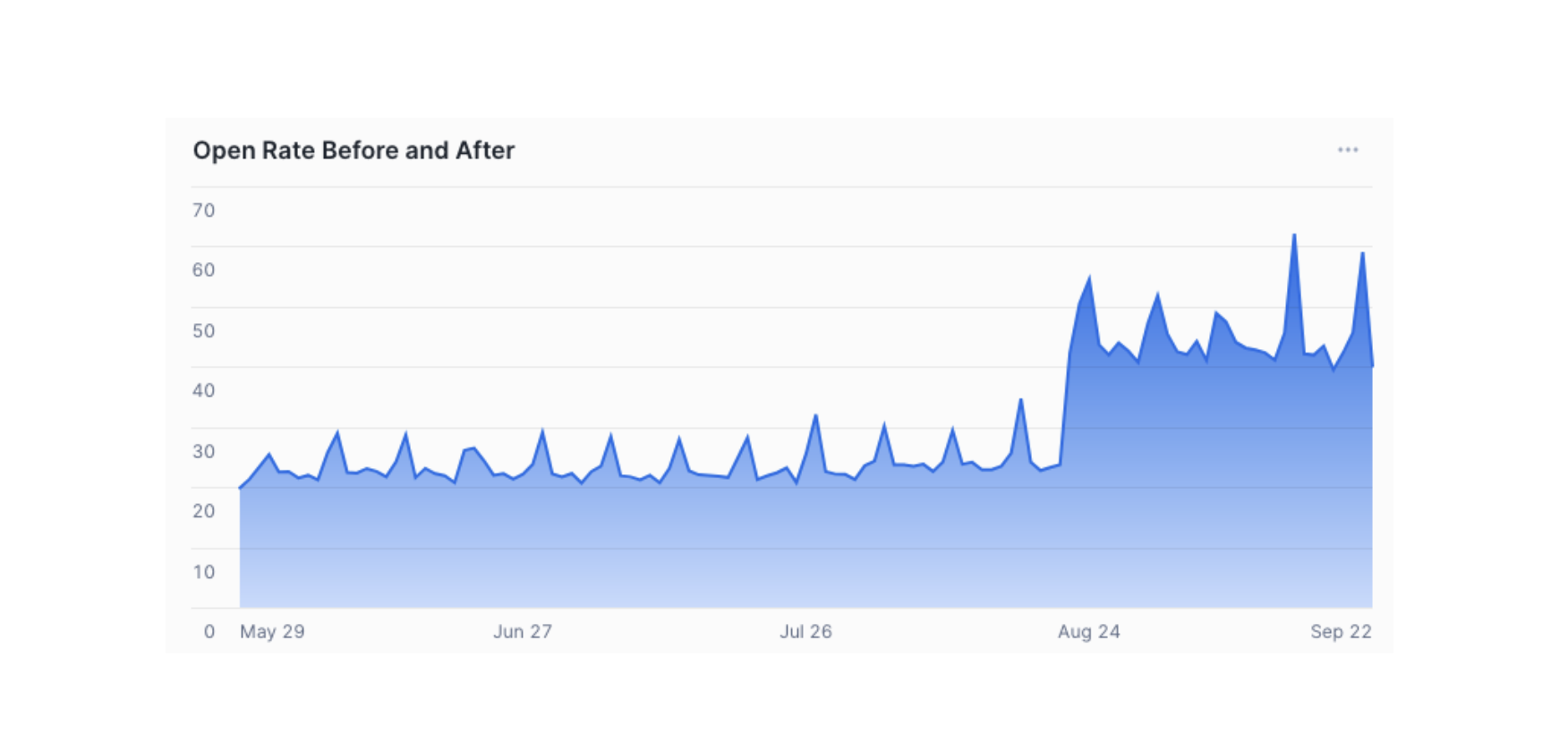
- Authenticate the domain, configure the server correctly, and warm it up gradually over the first one to two months
This approach dramatically reduces risk, improves deliverability, and prevents Gmail from shutting down your ability to send email when you need it most.