Why Google Groups Can Be a Security Risk for Shared Emails
August 7, 2025
Google Groups function like folders, not secure mailboxes, making them vulnerable to phishing despite enforced DMARC policies.

Google Groups function like folders, not secure mailboxes, making them vulnerable to phishing despite enforced DMARC policies.
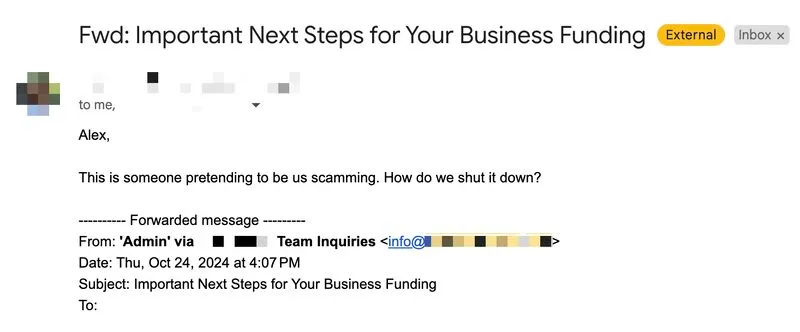
At ConversionCon24, I received many questions about managing GoogleGroups from an email deliverability / security perspective. I was surprised to see how many teams rely on Google Groups to distribute emails sent to addresses like info@, support@, or admin@ to multiple team members.
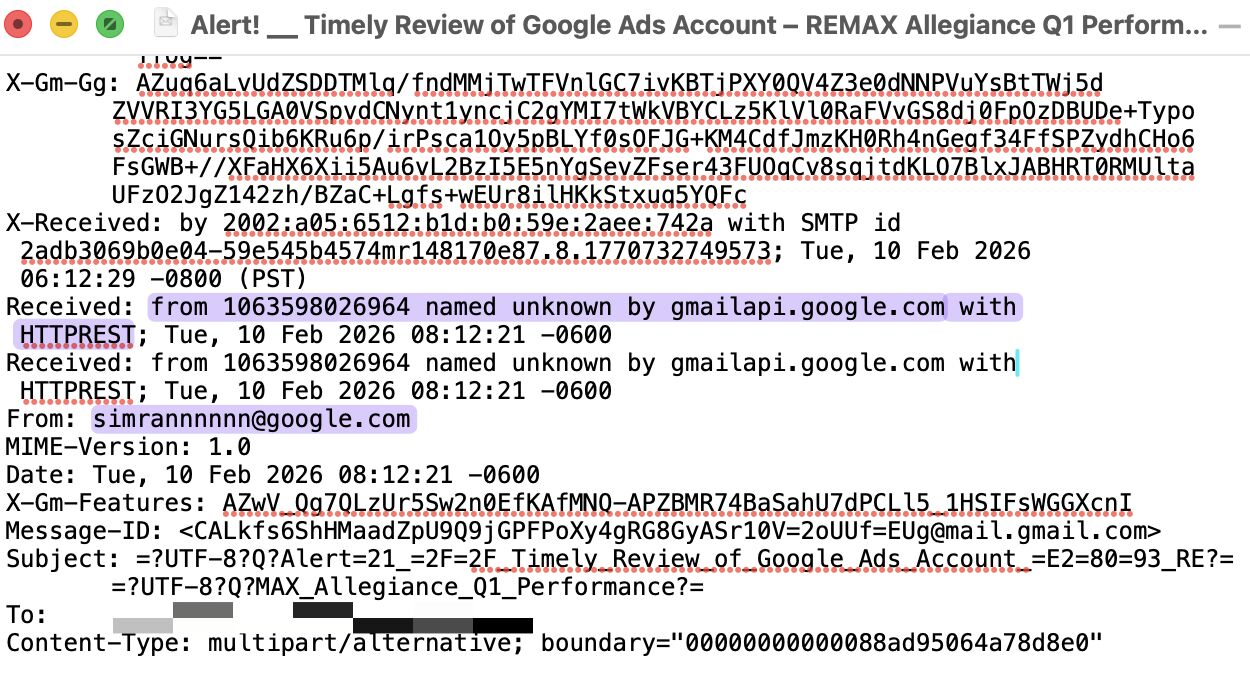
However, Google Groups aren’t the most secure option for handling emails within Google Workspace. These groups can be exploited by threat actors to distribute phishing emails, as they function more like “folders” within Google’s system rather than secure email addresses on your server. This is why even an enforced DMARC policy set to "reject" mode would be ineffective in this case.
For improved security, consider using a separate user account instead of a Google Group for a shared email address. Then, configure an inbound routing rule in the Google Workspace admin panel to distribute incoming emails to multiple team members as needed.
This approach reduces security risks and streamlines email management. It also enables dedicated inbox folders for these addresses, with an option for a central view of all incoming emails to a specific address